What's flying over you, right now.
Turn any spare screen into a live view of the sky. Every plane overhead, where it's going, and your family's flight when it matters.
One email when it opens. No account. See plans
Who's up there.
Airline, aircraft and flight number, big enough to read from the couch.
Watch Mom's flight all the way home.
Follow any flight and the wall keeps it, anywhere in the world. When it takes off or gets close to landing, the wall cuts to it.
The dotted line is the route on file. The solid line is where the plane really flies, and the wall draws it as it goes.
Left Brussels at 11:35 AM, 9 minutes late.
That old iPad in the drawer just got a job.
A smart TV's browser, a tablet, a spare monitor, the TV above the bar. Open a link, go full screen, leave it on. No app, no account, no hardware to buy.
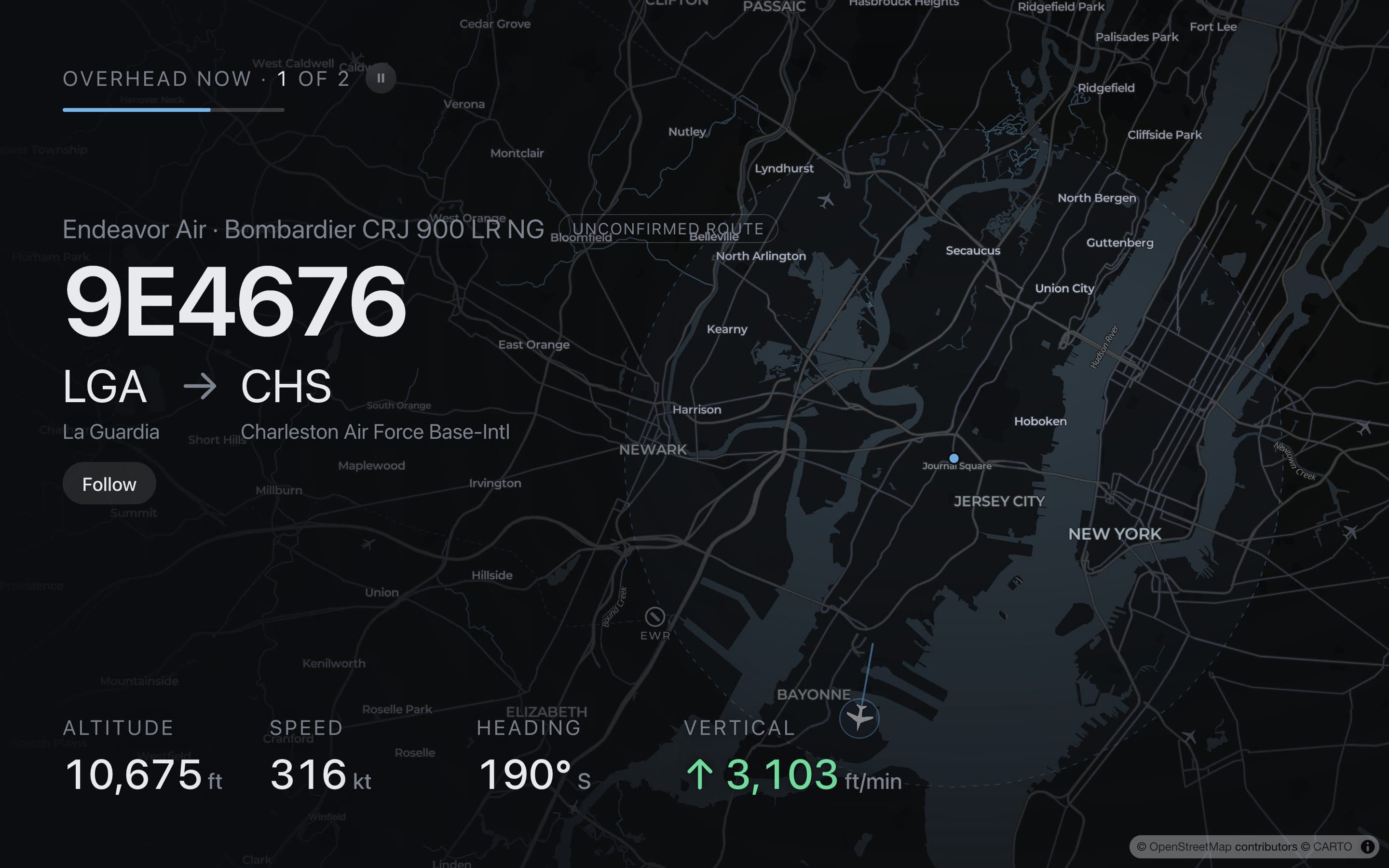
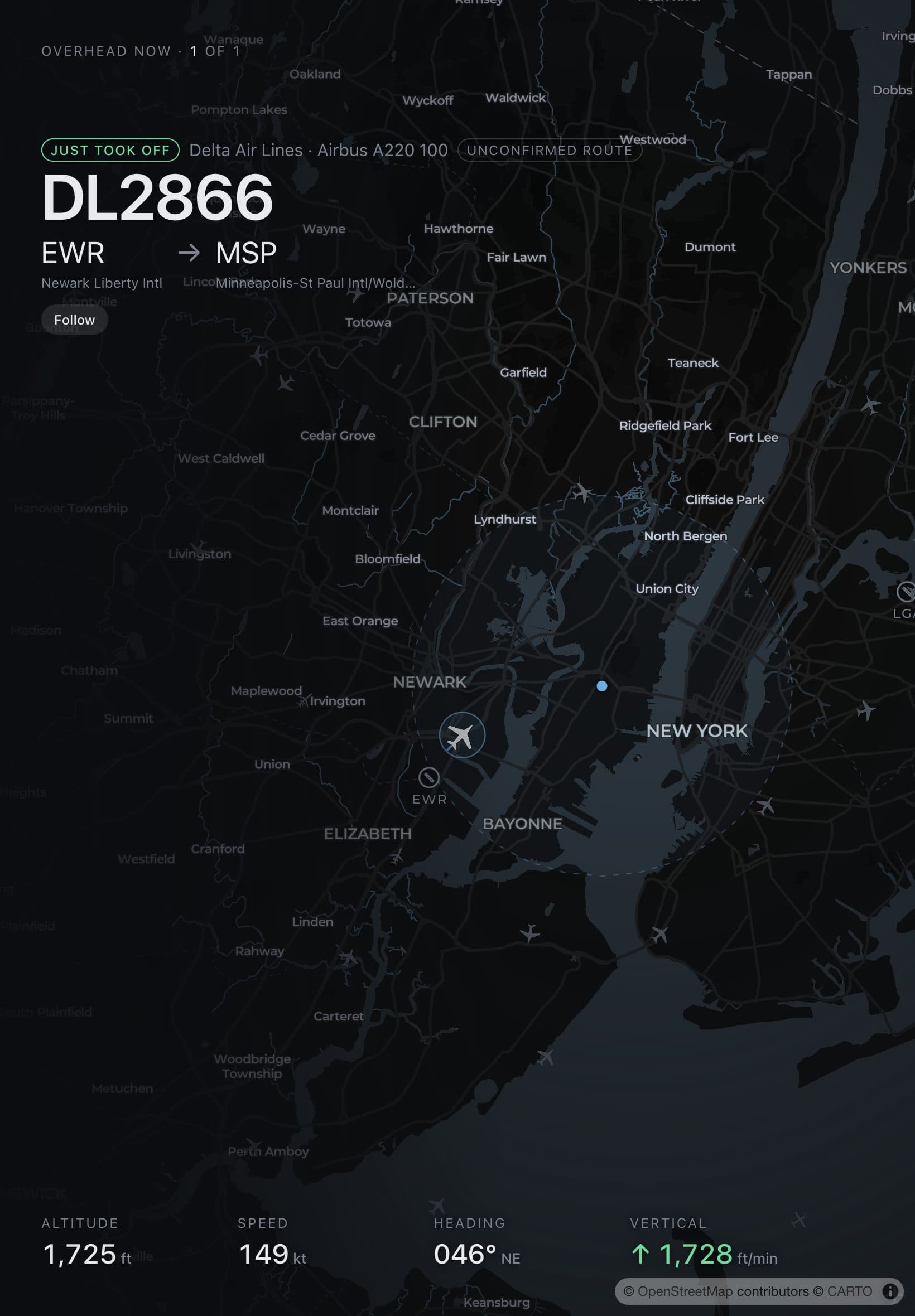
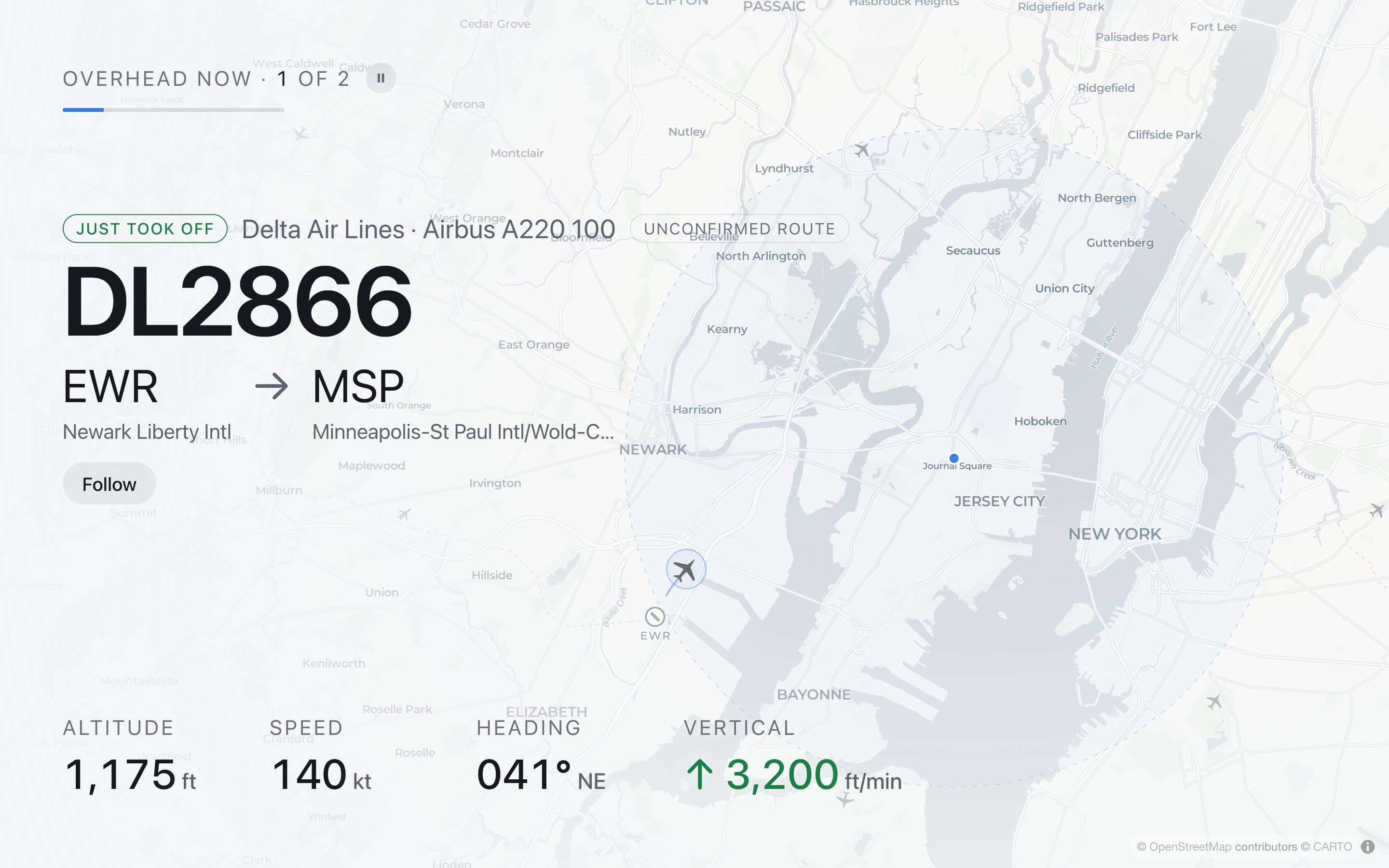
Every route, checked against the sky.
Most trackers look up a route by flight number. Flight numbers get reused and changed, so the city on screen can be wrong. WingWatch checks the route against the plane itself.
- ✓Position fits. It's on the line from Brussels into Newark.
- ✓Heading fits. Southwest, 225°, the way Newark lies.
- ✓Phase fits. Descending through 3,100 ft on the way into Newark.
- ✕Position doesn't fit. 2,550 ft over Hoboken, nowhere near Philadelphia or New Orleans.
If a city is on screen, it's been checked. If it can't be, the card says so.
Not your average flight tracker.
Flight trackers are made to be searched on a phone. WingWatch is made to be glanced at from the couch, and left on.
 Flightradar24Good for looking any flight up on your phone.
 FlightyGood for your own trips, gate to gate.
 Skyty WallGood on an Apple device, and only there.
 FlightBuddyGood on an Apple TV, and only there.
 Overhead SkyGood in a Mac's menu bar.
 TheFlightWallGood on a shelf, once you've bought the board for $175.
 A Raspberry Pi buildGood if you like soldering.
WingWatch is the one you leave on.
A TV's browser, an old iPad, a spare monitor. Open a link and go full screen. Nothing to buy.
Every route is checked against the plane itself. When it doesn't fit, you see Route unknown, never a guessed city.
Follow the flights of the people you care about. The wall cuts to them at takeoff and as they land.
Your location and the flights you follow stay on that screen.
Pick any sky. It's live.
The wall works anywhere planes fly. Tap a spot and see what's over it this minute.
Free to look up.
More for the always-on wall.
Every plan shows every plane overhead, with routes checked against the sky. Here's what changes.
Free
Try it at home
Personal use
- Flights you follow
- None
- Flight paths
- The flight you tap
- Locations
- 1
- Corner mark
- Shown
- Use in a business
- No
- Support
- None
Every plane over your home, and where each one is going.
Home
Best valueEvery screen in your home
or $5 a month, or $49 once
- Flights you follow
- Up to 5
- Flight paths
- Every plane, plus gate to gate
- Locations
- Up to 3
- Corner mark
- None
- Use in a business
- No
- Support
Know when they've landed without picking up your phone. Follow up to 5 flights anywhere, and the wall cuts to each one at takeoff and just before landing.
Business
For bars, restaurants and lobbies
per location, or $290 a year
- Flights you follow
- Up to 5
- Flight paths
- Every plane
- Locations
- 1
- Corner mark
- Your name instead
- Use in a business
- Licensed
- Support
- Email and install guide
Something for guests to watch besides the game: the planes over your place, live on up to 3 screens and licensed for business use.
Opening soon. Nothing is charged until then. No account on any plan.
Questions, answered.
What do I need?
A screen with a web browser and an internet connection. No app to install, no account, nothing to plug in.
When does it open?
Soon. Join the waitlist and we'll email you once when it does.
Does it work where I live?
Anywhere home receivers pick up planes. That covers most cities and busy areas, but coverage can be thin in some rural places. Try Pick any sky above to see a live area.
How is this different from Flightradar24?
It's made to stay on across the room, not to dig through on a phone. It runs on any screen from a link, and it won't show a route it can't back up.
Does my location leave the screen?
No account and no cookies. Your spot and followed flights stay in that browser. To show planes, the page asks our server for the flights around a spot, and the server doesn't save it. This page counts anonymous daily totals, like views and clicks, never who you are.
Do I have to subscribe?
No. Home is $39 a year, $5 a month, or $49 once to keep it. Each comes with a full refund within 30 days if it isn't for you. The free plan shows every plane overhead; following flights comes with Home.
Can a bar or hotel lobby use it?
Yes, on the Business plan: your business's name on the wall and the settings locked, with a 30-day free trial. Home plans are for personal use, so a business screen needs the Business plan. Join the waitlist to hear when it opens.
Where does the data come from?
Positions come from community networks of home receivers, like adsb.lol. Routes, aircraft and airports come from open databases.